

Nearly 40% of homeowners now start outdoor projects with AI planning tools, yet most never compare what they actually spend across platforms. I’m here to fix that blind spot, because choosing wrong can cost you hundreds before you place a single plant.
Let’s break down ten popular apps so you pay exactly what your yard project demands, nothing more.
AI Garden Design Apps: What You’ll Actually Pay

How much should you realistically budget when exploring AI-powered landscape tools? I’ve found that AI landscape design pricing varies dramatically across design apps, so you’re definitely not alone in feeling overwhelmed.
Most subscriptions follow tiered models. Remodel AI runs $29 monthly for Pro or $49 for Premium, though you’ll get three free designs on their free tier. GenRoom-style tools start modestly at $9.99 for six generations, with three free credits upfront.
Planner 5D spans $7.99 weekly to $299.99 yearly, with mid-range options around $4.99 monthly. For AR placement specifically, iScape demands $29.99 monthly or $299.99 yearly after trial.
Meanwhile, SketchUp Free costs nothing for personal web use, though serious landscape software needs push toward $119 or $349 yearly plans. Understanding these structures helps you find your place without overspending.
Free Tools vs. Paid Plans: Finding Your Entry Point

I know you’re wondering whether a free trial gives you enough runway to test the waters, or if springing for premium gives you the real horsepower. Most apps, like GenRoom’s six-credit starter or Remodel AI’s teaser tier, let me preview core features before committing, but paid plans ranging from $7.99 weekly to $29.99 monthly typically remove the guardrails on render counts, AI editors, and export formats.
The real question isn’t just price, it’s whether that entry-level taste actually clues me into how the tool handles my specific yard’s sun zones, native plant palettes, or AR placement needs.
Free Tier Options
Where exactly should you begin when exploring AI garden design tools without immediate financial commitment? I recommend starting with AI landscape design platforms that offer generous free tier access before you commit to any pricing plans.
GenRoom gives you 6 free credits at signup, which lets you test generated concepts immediately. HomeDesigns AI provides 3 free credits daily, so you can experiment consistently without spending. DreamYard offers a limited free tier alongside its paid option around $15 monthly.
For hands-on builders, SketchUp Free delivers completely cost-free 3D modeling as your free entry point. Planner 5D, while powerful, restricts its free entry point significantly.
These credits let you evaluate each landscape app’s capabilities personally. You’ll discover which interface feels right, making certain your choice aligns with both your creative vision and your comfort level before upgrading.
Premium Plan Pricing
Once you’ve tested the free waters, you’ll need to weigh whether premium features justify the investment for your specific projects. I’ve found that subscription pricing varies dramatically across platforms, and understanding these tiers helps you find your place among fellow garden enthusiasts.
Remodel AI offers Pro at $29/month or Premium at $49/month after three free designs, with annual plans saving roughly 40%. Planner 5D provides flexible weekly ($7.99), monthly ($14.99), or yearly ($299.99) options. iScape focuses on AR visualization with trial-based subscription pricing, though Android users face limitations. Meanwhile, SketchUp Free serves personal projects, while Pro Go starts near $119 yearly.
| App | Entry Cost | Annual Savings |
|---|---|---|
| Remodel AI | $29/month Pro | ~40% off yearly |
| Planner 5D | $7.99/week | $299.99/year |
| iScape | Trial first | Varies by tier |
| SketchUp Free | $0 personal | $119 Pro Go |
| GenRoom-style | $9.99 starter | Credit bundles |
Budget Picks: Low-Cost AI Garden Design Apps

I’ve found that budget-conscious designers can access powerful AI garden tools through three distinct pricing models. GARDENA myGarden offers a completely free web-based platform with irrigation planning, while apps like Planner 5D and Home Outside keep monthly rates under ten dollars for core functionality. For those preferring flexibility, GenRoom’s credit-based system lets you test AI generation for free before committing to a $9.99 package.
Free Options Available
How can you test AI garden design tools without spending a dime? I’ve explored the free options in landscape apps, and several pricing plans let you experiment before committing. GenRoom gives you 6 free credits at signup, enough to test their AI garden design capabilities. DreamYard offers a free tier with limited generations, perfect for casual planning.
GenRoom: 6 free credits to sample landscape generations immediately
HomeDesigns AI: 3 daily free credits for ongoing concept exploration
DreamYard: Free tier with restricted access before upgrading
SketchUp Free: Completely free personal use for 3D modeling
These free credits build confidence in your choices. You’ll know which tool fits your workflow before investing, joining thousands who’ve found their design community through smart testing.
Low Monthly Rates
Testing free tiers builds confidence, but modest investments open up far more capability. I’ve found that entry-level costs in AI garden design rarely exceed ten dollars monthly, making professional-grade design tools quite accessible. GenRoom’s Start plan at $9.99 delivers six full landscape generations, while Home Outside and iScape both offer subscription plans around that same monthly pricing sweet spot. Planner 5D presents flexible options starting at $4.99 monthly, depending on your chosen tier.
These landscape design apps bridge the gap between limited free tier functionality and premium features, giving you room to grow. Even Remodel AI’s Pro option at $29 monthly feels reasonable when weighed against traditional design services. For personal projects, SketchUp Free remains completely available, though paid tiers open up collaborative features. Your garden vision deserves these affordable stepping stones.
Credit-Based Pricing
Why commit to a subscription when you’re still exploring your garden’s potential? Credit-based pricing lets you test AI garden design apps without monthly pressure. I’ve found this approach ideal for hobbyists who want flexibility in their landscape design software pricing.
GenRoom hands you 6 free credits on signup, then offers 18 generations for $9.99, no subscription required. Remodel AI runs $3 per design on its free tier, though it skips USDA zone verification. HomeDesigns AI grants 3 free credits daily, letting you experiment before committing. Planner 5D starts around $7.99 weekly, blending credit flexibility with broader tools.
Comparing subscription vs. per-design options, landscaping credits give you control. These pricing plans respect your pace, offering free credits to sample features. You belong here, whether you’re sketching one bed or reimagining your entire yard.
iScape and DreamzAR: AR Plant Placement Pricing
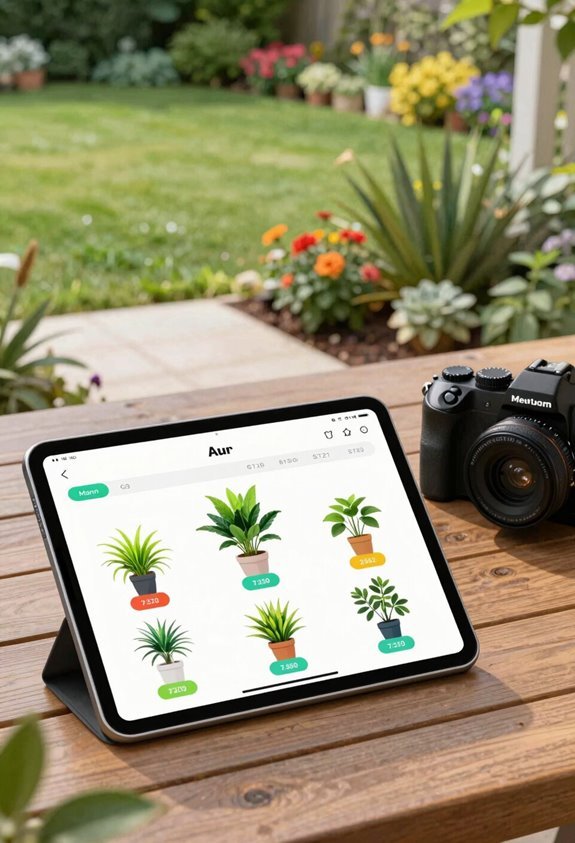
Where exactly does your ideal outdoor space begins, on an iPhone screen, or perhaps right there in your backyard through a camera lens? Among AI garden design apps, iScape and DreamzAR offer distinct paths to AR plant placement.
iScape pricing runs $9.99 monthly with a trial, delivering polished on-site visualization through iOS. Its robust plant library and professional PDF exports justify the cost for serious planners. However, Android users face limitations; the platform prioritizes iPhone AR with regional filtering.
DreamzAR pricing takes a gentler approach: free to start, or $4.99 once. This platform spans iOS and Android equally, though its smaller plant library and missing features (no zone verification, blueprints, or quantity lists) reflect the budget tier.
Your platform loyalty and project depth determine which garden reality you’ll step into.
GenRoom and DreamYard: Pay-Per-Design Costs

I want to walk you through how GenRoom and DreamYard handle pay-per-design pricing, since their credit-based systems offer flexibility without locking you into subscriptions. GenRoom gives you six free credits upfront, then charges $9.99 for eighteen generations with tiered upgrades, while DreamYard runs closer to fifteen dollars monthly for unlimited landscape-focused outputs.
Both approaches let you test multiple concepts affordably, though you’ll want to track your usage carefully. Neither platform makes real-time cost projections especially visible as you generate.
Pay-Per-Design Pricing
How exactly do you budget for AI garden design when your needs fluctuate month to month? I find pay-per-design models from GenRoom and DreamYard offer the flexibility we’re looking for in this community of practical creators.
GenRoom gives you 6 free design credits on signup, then lets you buy 18 generations for $9.99 or upgrade to Basic at $19.99 for 100 credits with AI Editor access.
DreamYard runs roughly $15 monthly for unlimited generations, keeping your AI landscape design flowing without counting every render.
Both platforms use credit-based pricing instead of rigid subscription tiers, so you only pay for what you actually need.
GenRoom includes budget-aware suggestions and in-painting, while DreamYard delivers sub-60-second generations with trend-based style picks.
Credit Package Structure
When you’re weighing pay-per-design options, credit packages become your budgeting compass. I’ve found GenRoom and DreamYard structure theirs quite differently.
GenRoom uses a credit-based model where you buy design generations directly. Their Start plan offers six full landscape generations for $9.99, though I’ve seen references to eighteen generations at that same price point. They sweeten the deal with six trial credits upon signup, letting you test before committing.
DreamYard takes a hybrid approach, blending per-design flexibility with traditional subscriptions. Their free tier gives limited generations, while roughly $15 monthly unlocks unlimited access. Both let you avoid rigid subscriptions, but DreamYard’s pricing emphasizes choice between occasional use and steady creation. Understanding these structures helps you match spending to actual yard project needs.
Cost Transparency Issues
Why do credit-based pricing models often obscure the true cost of bringing your outdoor space to life? I’ve found that cost transparency suffers when apps like GenRoom and DreamYard structure their pricing models around credits pay-per-design systems. You’re not alone in struggling to compare actual expenses.
GenRoom starts you with 6 free credits, then charges $9.99 for 18 generations, roughly $0.55 per-design cost. DreamYard’s $15/month subscription tiers promise unlimited generations, but landscape-specific features complicate value assessment.
Hidden fees emerge when ZIP-code recommendations or AI Editor tools require tier upgrades. Comparison pricing becomes nearly impossible without calculating total monthly iterations.
Both platforms create real uncertainty. Budget-aware features sound appealing, yet the true financial commitment only reveals itself through sustained use.
HomeDesigns AI and REimagineHome: Exterior Redesign Pricing
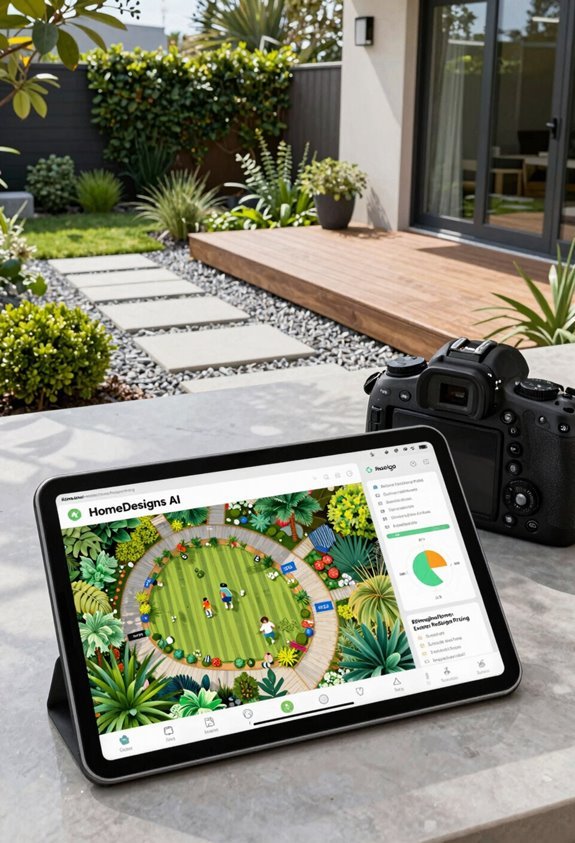
Where do you turn when your home’s exterior needs a digital update before the real work begins? I find HomeDesigns AI and REimagineHome offer specialized exterior redesign pricing that fits different professional needs within AI garden design apps.
HomeDesigns AI provides 80+ design styles across exteriors, gardens, and interiors, with pricing models built around credits and free trials. You get three daily credits at no cost, while subscription plans unlock deeper capabilities with early-bird PRO options. Their API access supports developers needing external integration.
REimagineHome targets real estate professionals with virtual staging and landscape visualization, though their subscription plans remain less transparent. Both tools emphasize exterior-focused workflows, helping you visualize weather conditions and design possibilities before committing resources. These specialized pricing models serve distinct audiences seeking professional-grade exterior visualization.
Planner 5D and PRO Landscape+: Full-Yard Planning Costs
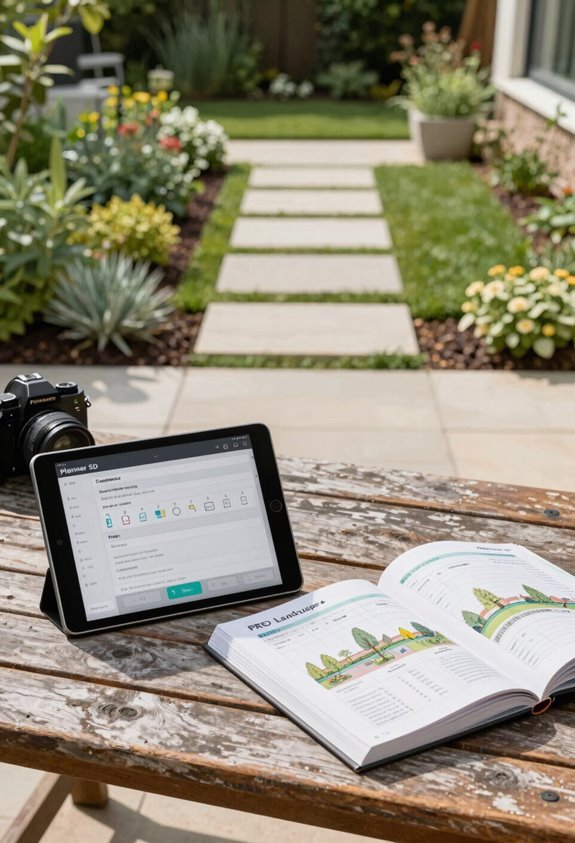
Full-yard planning demands tools that balance accessibility with professional-grade output, and I’ve found Planner 5D and PRO Landscape+ occupy distinct positions in this space.
Planner 5D offers flexible subscription models: weekly at $7.99, monthly tiers from $4.99 Basic to $14.99 Plus, and annual Pro at $299.99. Professional/Enterprise variants run $33.33 monthly for serious creators needing cross-platform access with AR/2D/3D capabilities.
PRO Landscape+ targets a different audience entirely. Its pricing structures serve professional contractors who require professional CAD drafting, photo overlays, and one-click client proposals delivered on-site via tablet companions.
- Planner 5D’s tiered pricing welcomes hobbyists and professionals alike
- PRO Landscape+ emphasizes commercial-grade presentation tools
- Both handle full-yard planning, but their subscription models reflect distinct user communities
- Your choice depends on whether you prioritize creative flexibility or contractor-specific workflows
Garden App Credit Systems vs. Subscriptions: What Saves More

When I’m weighing whether to commit to a subscription or dip into credit-based systems, I look hard at how I’ll actually use the tool over time. Credit systems like GenRoom’s Start plan ($9.99 for 6 generations) fit occasional projects, while subscription pricing rewards regular users who need unlimited access.
Landscape design apps offer free credits strategically: Remodel AI provides 3 free designs, and some platforms refresh daily to let you test features before committing. My pricing comparison shows annual plans typically save 40% versus monthly rates. For AI garden design pricing, casual gardeners often win with credits; professionals need robust plan tiers.
SketchUp Free handles basic 3D work, but paid tiers ($119-$349/year) unlock advanced tools. Match your workflow to the model.
Hidden Costs in AI Garden Design Apps

I’ve learned that sticker prices rarely tell the whole story, and AI garden design apps are no exception. When you’re comparing subscription options, I’ve found it’s essential to dig deeper than the headline annual plans or monthly fees. Many apps lure you with a free trial, then lock crucial features behind in-app purchases or higher tiers that aren’t obvious upfront.
Remodel AI’s $29 Pro subscription excludes planting guides and blueprints, forcing upgrades for complete planning. GenRoom-style credit systems deplete quickly, pushing you toward paid tiers after initial free generations expire. iScape’s $299.99 annual plan focuses narrowly on AR visualization, lacking full yard transformation capabilities.
Planner 5D’s multiple tiers omit zone verification in lower pricing brackets, requiring costly jumps for comprehensive features. Even “free” tools like GARDENA myGarden sacrifice 3D rendering entirely. I always recommend auditing which capabilities you actually need before committing.
Match Your Yard Project to the Right App Tier
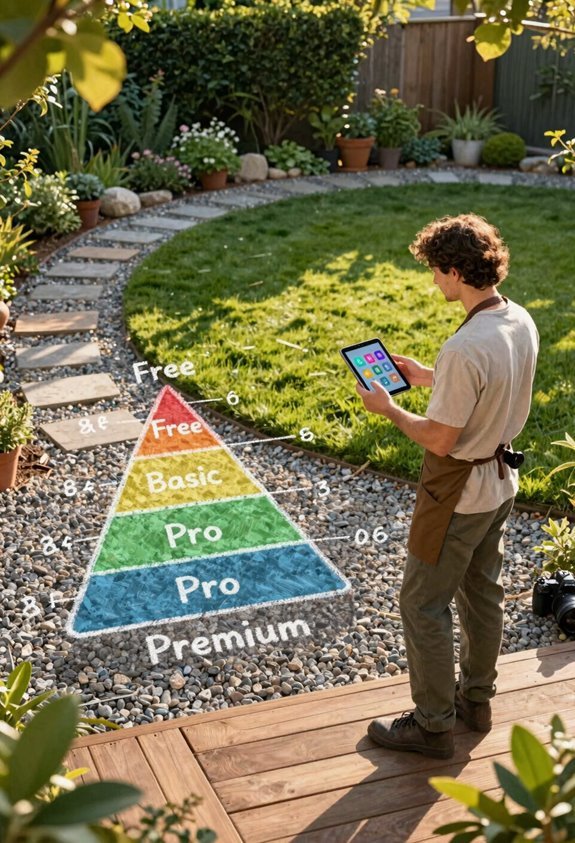
Where exactly does your outdoor vision land on the complexity spectrum? I’ve found that matching your yard redesign to the right AI landscape design tier saves both money and frustration.
| Project Scope | Best Fit | Key Investment |
|---|---|---|
| Quick visual concepts | GenRoom-style tools | $9.99 for 6 design generations |
| Detailed home planning | Planner 5D | $14.99/month app subscription |
| Professional presentations | Remodel AI Premium | $49/month for real estate professionals |
| Budget-conscious testing | SketchUp Free | $0 with upgrade paths |
Free trials let you validate fit before committing. I always recommend starting small with design generations, then scaling your pricing tiers as projects demand precision. The right match feels intuitive, not forced.